6 mistakes to avoid in your IT career: advice for success
Gain insight into which traps many IT professionals fall into and how you can avoid them. This e-book offers tips for career development, networking and skill building so you can advance your career in the IT industry.
Open e-book

Good Wi-Fi Habits for Everyday Life: Small Routines That Ensure Stable Coverage

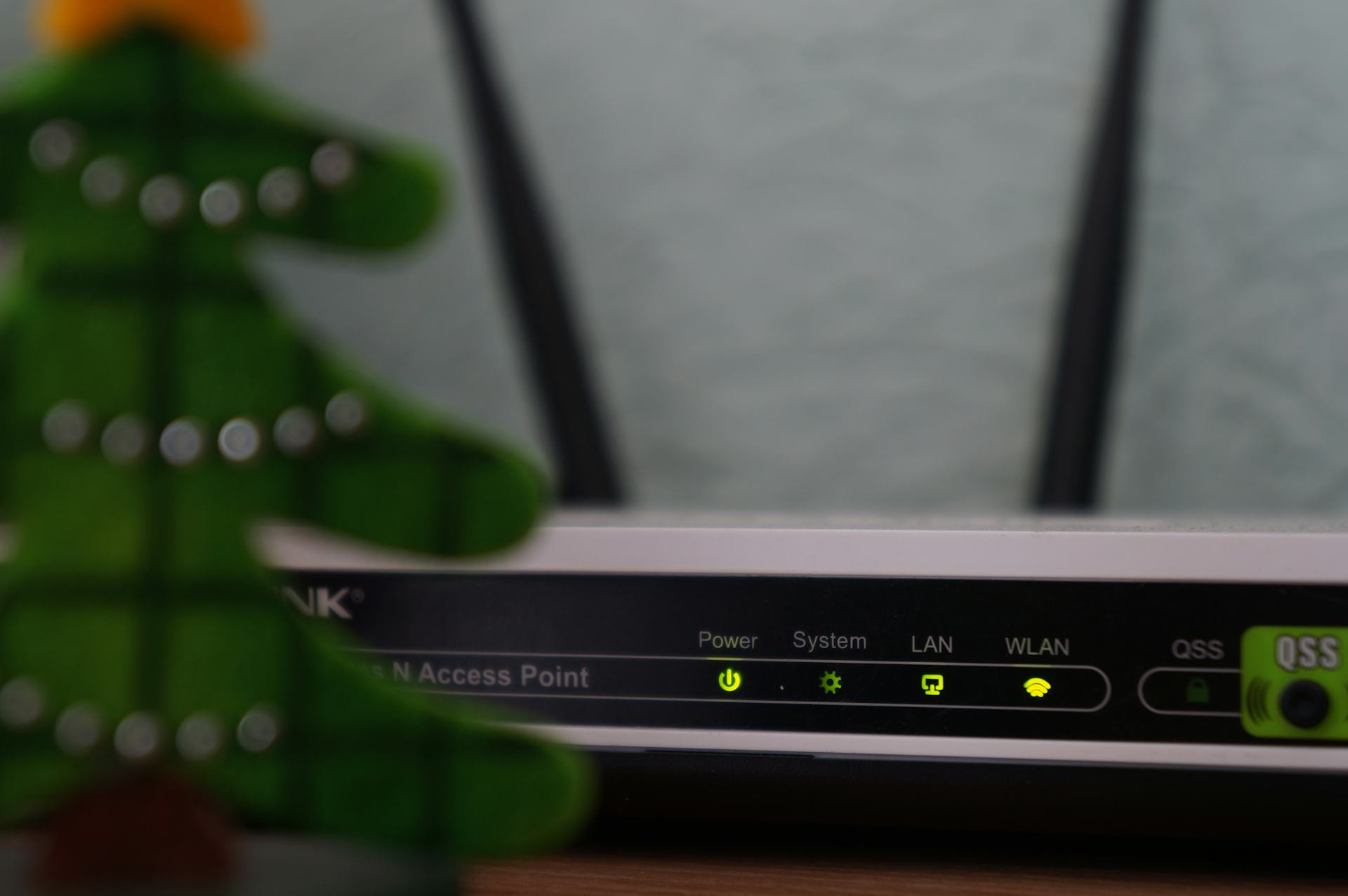
Simple daily routines that keep your home Wi-Fi fast, reliable, and frustration-free
Broadband
Broadband
6 min
Discover how a few easy habits can make a big difference to your internet connection. From smart router placement to understanding your devices, these practical tips help you enjoy stable Wi-Fi throughout your home every day.
Dexter Davies
Dexter
Davies

Good Wi-Fi Habits for Everyday Life: Small Routines That Ensure Stable Coverage

Simple daily routines that keep your home Wi-Fi fast, reliable, and frustration-free
Broadband
Broadband
6 min
Discover how a few easy habits can make a big difference to your internet connection. From smart router placement to understanding your devices, these practical tips help you enjoy stable Wi-Fi throughout your home every day.
Dexter Davies
Dexter
Davies

A reliable Wi-Fi connection has become as essential to British homes as electricity or running water. We stream films, work from home, play online games, and control everything from heating to lighting through the internet. Yet even the fastest broadband can feel sluggish if the signal isn’t used efficiently. The good news is that a few small habits can make a big difference. Here’s a guide to everyday Wi-Fi routines that help keep your connection strong and stable.

Place Your Router Wisely

Where you put your router has a huge impact on how well your Wi-Fi spreads through your home. Many people hide it behind the TV or tuck it away in a cupboard – but that’s rarely ideal.

  • Position the router centrally, ideally at eye level and away from walls or obstacles.
  • Avoid metal and thick walls, which can block the signal.
  • Keep it away from electronics such as microwaves, cordless phones, and Bluetooth speakers that can cause interference.

A good rule of thumb is to imagine your router “shining” Wi-Fi in all directions. The more open space around it, the better your coverage will be.

Give Your Router a Fresh Start

Just like a computer, your router benefits from a restart now and then. It clears temporary errors and can improve performance.

  • Restart the router about once a month – either manually or through your provider’s app if available.
  • Update the firmware regularly to ensure you have the latest software and security patches.

It only takes a few minutes but can save you hours of frustration later.

Know Your Devices and Their Needs

Not all devices use Wi-Fi in the same way. A smart plug uses very little bandwidth, while a 4K stream or video call demands much more. When too many devices are connected at once, your network can slow down.

  • Prioritise important devices – many routers have a “Quality of Service” (QoS) setting that lets you give priority to your work laptop or gaming console.
  • Disconnect old or unused devices that still occupy space on your network.

It’s all about balancing comfort and capacity.

Use Both 2.4 GHz and 5 GHz – and Know the Difference

Most modern routers broadcast on two frequencies: 2.4 GHz and 5 GHz. Each has its strengths.

  • 2.4 GHz travels further and penetrates walls better, but it’s slower and more crowded.
  • 5 GHz offers faster speeds but has a shorter range.

If you live in a larger home, it can help to connect some devices (like smart speakers) to 2.4 GHz, while reserving 5 GHz for high-speed tasks such as streaming or video calls.

Consider a Mesh Network for Larger Homes

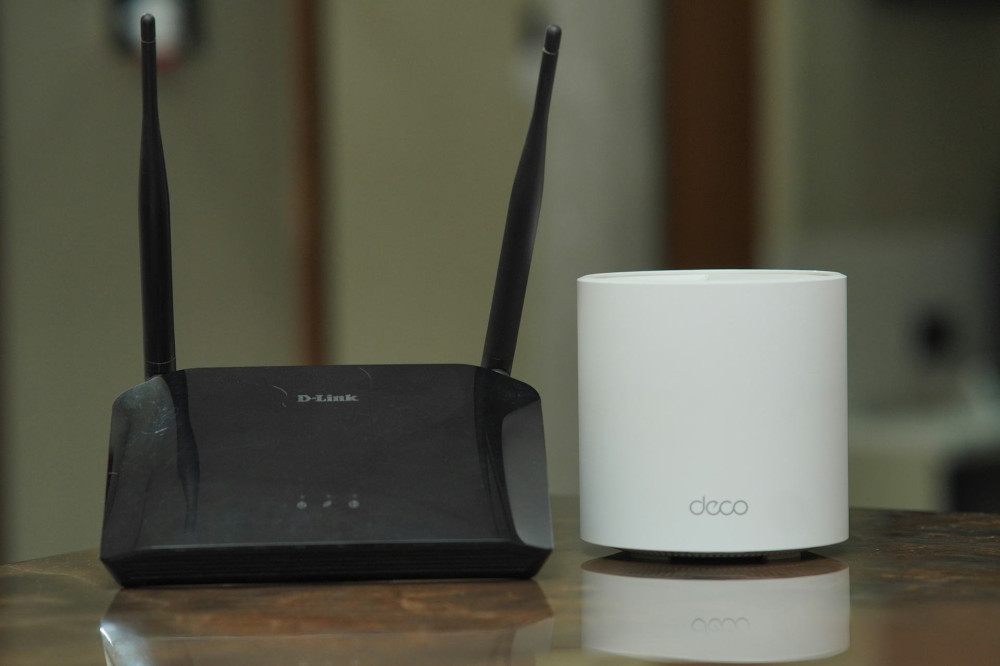
If you still experience dead zones despite good router placement, a mesh system might be the answer. It uses several small units that work together to spread the signal evenly throughout your home.

Mesh systems are especially useful in multi-storey houses or older buildings with thick walls. They take a bit of setup but deliver a much more consistent connection.

Keep an Eye on Your Network

Many UK broadband providers offer apps that show which devices are connected and how much data they’re using. This can help you spot if something is hogging bandwidth – or if an unknown device has joined your network.

Change your Wi-Fi password regularly and use a strong one with a mix of letters, numbers, and symbols. It protects both your speed and your security.

Build Good Everyday Habits

Stable Wi-Fi isn’t just about technology – it’s about routines. A few mindful habits can make a big difference:

  • Turn off streaming services when you’re not using them.
  • Avoid downloading large files during video meetings.
  • Set up a guest network for visitors so your main network stays secure and fast.

Once these habits become second nature, you’ll hardly have to think about your connection at all.

A Small Effort for Everyday Peace of Mind

A stable Wi-Fi network isn’t just a technical achievement – it’s part of a calm, efficient home life. When your connection works smoothly, you can work, stream, and communicate without interruptions. With a few small adjustments and a bit of attention, you can make your home network faster, more reliable, and more secure – every single day.

How Wi‑Fi Signals Move Through Your Home – and Why Walls Can Be Your Biggest Challenge
Discover how everyday materials shape the strength and reach of your home Wi‑Fi
Broadband
Broadband
Wi‑Fi
Home Network
Internet
Technology
Connectivity
7 min
Ever wondered why your Wi‑Fi works perfectly in one room but struggles in another? Learn how walls, floors, and furniture affect wireless signals, how router placement can improve coverage, and what you can do to keep your connection strong throughout your home.
Eli Wright
Eli
Wright
Gaming and Internet Use: How to Choose the Right Connection for the Whole Household
Find the perfect internet connection to keep gamers, streamers, and remote workers happy under one roof
Broadband
Broadband
Internet
Gaming
Broadband
Home Network
Technology
5 min
When multiple people in your household are gaming, streaming, and working online, your internet connection needs to handle it all. Learn how to choose the right broadband speed, technology, and setup to ensure smooth performance for every user in your home.
Amelia Long
Amelia
Long
Stable streaming in families with children: How everyone can get a good connection, even when everyone’s watching something different at the same time
Keep every screen in the house running smoothly with a few simple Wi‑Fi tricks
Broadband
Broadband
Home Internet
Wi‑Fi
Family Life
Streaming
Technology Tips
3 min
When the whole family is online at once, streaming, gaming, and browsing can slow to a crawl. Learn how to optimise your home network, place your router right, and make small upgrades that ensure everyone enjoys a stable connection — even during peak screen time.
Landon Wilson
Landon
Wilson
Why does the internet feel slow, even when the connection is fast?
When your internet speed looks great but still feels sluggish, there’s more going on than meets the eye
Broadband
Broadband
Internet Speed
Wi‑Fi
Latency
Network Performance
Technology
3 min
Even with a high-speed connection, slow-loading pages and buffering videos can be frustrating. This article explains why your internet can feel slow despite fast test results — from latency and Wi‑Fi issues to device performance and network congestion — and what you can do to make it feel faster.
Olivia Carter
Olivia
Carter
Good Wi-Fi Habits for Everyday Life: Small Routines That Ensure Stable Coverage
Simple daily routines that keep your home Wi-Fi fast, reliable, and frustration-free
Broadband
Broadband
Wi-Fi
Home Network
Internet Tips
Technology
Connectivity
6 min
Discover how a few easy habits can make a big difference to your internet connection. From smart router placement to understanding your devices, these practical tips help you enjoy stable Wi-Fi throughout your home every day.
Dexter Davies
Dexter
Davies
Use Data to Understand Yourself: Measure, Learn and Improve Your Habits with Insight
Discover how personal data can help you build better habits and make meaningful changes in your daily life
Tech
Tech
Self-Improvement
Data Insights
Personal Development
Habits
Well-Being
3 min
Learn how to turn the information you already generate into valuable insights about your routines, goals, and well-being. This article shows how to use data as a simple, empowering tool for self-understanding and personal growth.
Eli Wright
Eli
Wright
Online Privacy: How to Protect Your Data Without Compromising on Convenience
Keep your personal information safe while enjoying the ease of digital life
Tech
Tech
Online Privacy
Cybersecurity
Digital Safety
Data Protection
Internet Tips
5 min
Learn how to protect your online privacy without sacrificing convenience. This article offers practical tips for managing your data, creating strong passwords, and building secure habits that fit seamlessly into your everyday routine.
Amelia Long
Amelia
Long
Cybersecurity Requires Collaboration – When Public and Private Sectors Strengthen Their Efforts Together
Stronger digital defences emerge when governments and businesses unite against cyber threats
Tech
Tech
Cybersecurity
Public-Private Partnership
Digital Infrastructure
Data Protection
Cyber Awareness
7 min
As cyberattacks grow more sophisticated, collaboration between the public and private sectors becomes essential to protect national infrastructure, business continuity, and public trust. This article explores how joint initiatives, shared knowledge, and education can build a safer digital future.
Landon Wilson
Landon
Wilson